Z·05Open Source
Zilk Multicast Analyzer
Multicast troubleshooting from the endpoint — no router credentials needed.
A client-first diagnostic tool for multicast issues in enterprise and MPLS networks. It runs on the operator's PC, passively discovers IGMP and PIM behavior, probes the L2/L3 path, and produces structured evidence packs tagged by team responsibility — so the right team gets the ticket the first time. Free and open source under MIT.
Who it’s for: Operators troubleshooting multicast in enterprise and MPLS networks from the endpoint — no router credentials needed.
The Zilk Difference
Why Zilk Multicast Analyzer
01
Zero device credentials
Diagnoses multicast from the endpoint with zero device credentials, so engineers don't wait on router access or change windows.
02
Team-tagged evidence packs
Team-tagged evidence packs route each finding to the responsible team, cutting ticket ping-pong.
03
Free and open source
Free and open source under MIT, installable in one pip command or as a portable binary.
04
CLI and local web UI
Runs fully offline as both a CLI and a local web UI, fitting scripted pipelines and hands-on troubleshooting alike.
Capabilities
What Zilk Multicast Analyzer does
Zero-credential diagnostics
Three operating modes with graceful degradation diagnose multicast issues without any device access.
Passive protocol discovery
Detects IGMP v1/v2/v3 and PIM behavior and performs querier and multicast-router (mrouter) checks by listening on the wire.
Active join probes
Joins groups from the client to surface snooping problems, RPF failures, and TTL traps that are invisible from a passive view.
Team-tagged evidence packs
Generates HTML, Markdown, and JSON reports with audit trails, each finding tagged to the team responsible for the fix.
Continuous monitoring
Tracks per-group traffic with rate sparklines and resolves source addresses to reverse-DNS names.
CLI and local web UI
Use it in scripts or in the browser, and run it fully offline.
Product tour
Nine screens. Zero router credentials.
Hover to pause, click any frame to inspect it full size.
Feature slideshow
Step through every screen
A slideshow that plays on its own — click any slide to zoom in. Real product, demo data.
Diagnosis Verdict
Use cases
Where teams put Zilk Multicast Analyzer to work
- 01
A support engineer diagnoses why a multicast video stream is dropping at a client site without waiting for router credentials or a change window.
- 02
An operations team uses the team-tagged evidence pack to route a multicast ticket straight to the group that owns the fault instead of bouncing it between teams.
- 03
A field technician runs the portable tool on a laptop plugged into the affected segment to confirm IGMP snooping or RPF misconfiguration.
- 04
An MPLS/enterprise network team continuously monitors per-group multicast rates to catch degradation before users report it.
- 05
An engineer scripts the CLI into a repeatable, offline diagnostic run and archives the JSON output as an audit record.
Specifications
Technical specifications
- Platforms
- Windows, Linux, macOS
- Install
- pip install mcast-doctor, or portable
- Protocols
- IGMP v1/v2/v3 and PIM discovery; querier and mrouter checks; active join probes
- License
- MIT (open source, free to use)
- Interfaces
- Command-line and a local web UI; fully offline-capable
- Reports
- HTML, Markdown, and JSON evidence packs with audit trails, tagged by responsible team
- Access model
- Client-first / zero-credential — runs on the operator's PC, needs no device logins
- Quality
- 182 passing tests
- Source
- github.com/asad4ntrp2/zilk-multicast-analyzer
Part of our Networking & Infrastructure practice
Zilk Multicast Analyzer is built and supported by the same engineers who deliver our 21 Networking & Infrastructure services — design, deployment, and day-2 operations included.
Explore further
Where Zilk Multicast Analyzer fits
The story
From black screen to evidence pack — five screens
Keep scrolling — the dashboard follows the story.
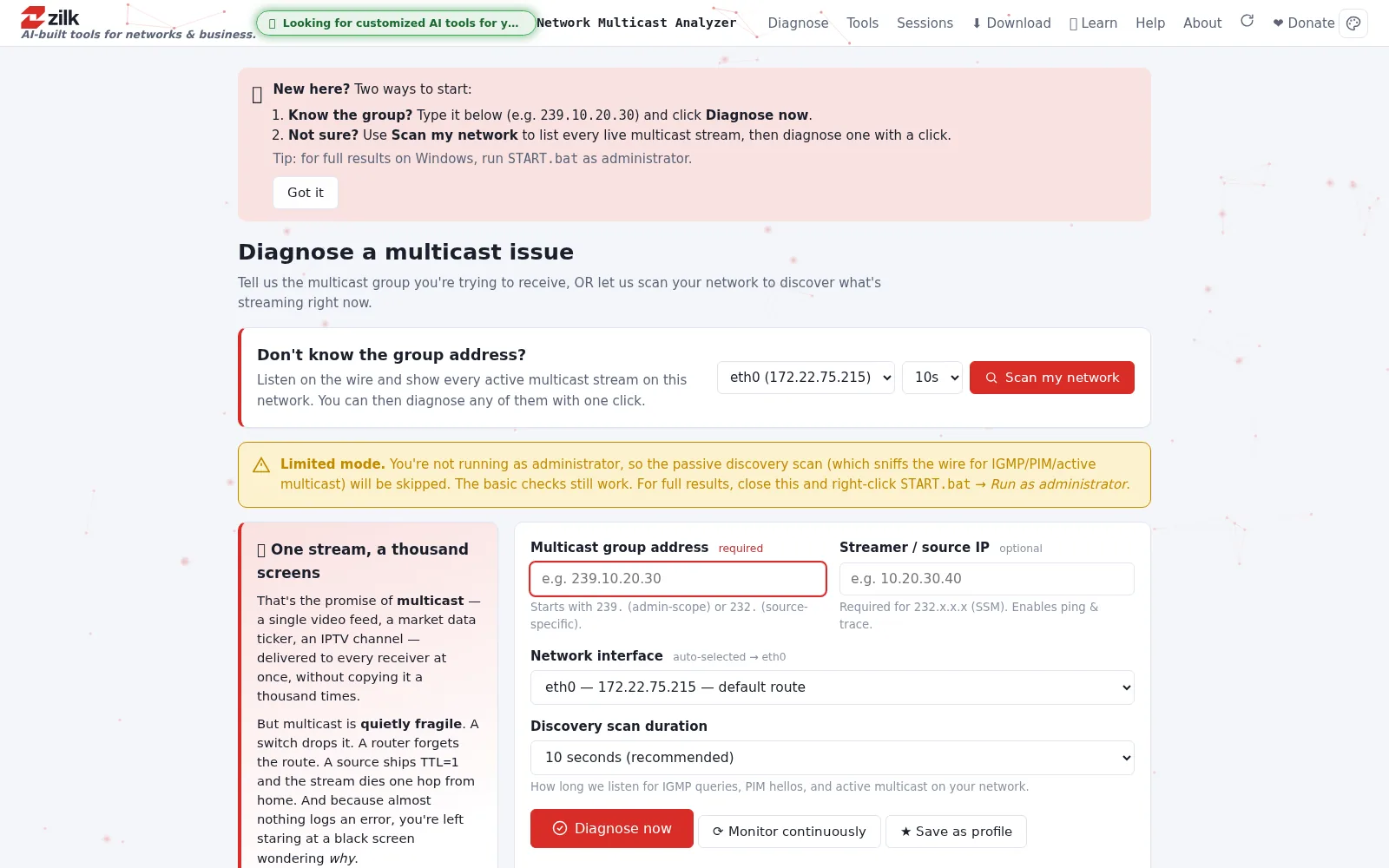
01 · Diagnose
Multicast troubleshooting from the endpoint
Type a group address — or scan the wire — and diagnose from the operator’s PC. No router credentials needed, with three operating modes that degrade gracefully.
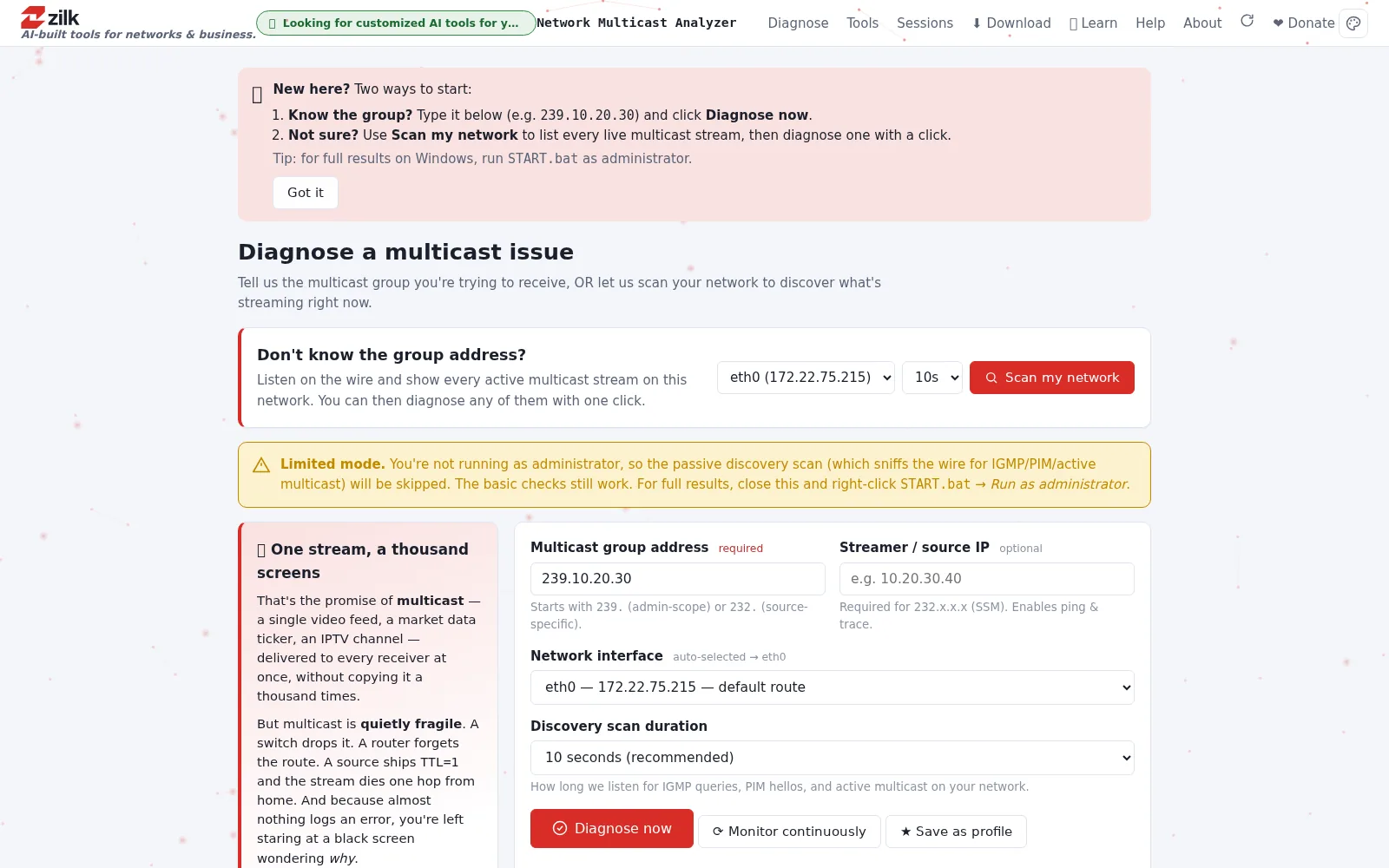
02 · Verdict
A verdict, not a wall of packets
Each run ends in a plain-language finding: what broke, what to try, and who to tell — with the technical evidence one click away.
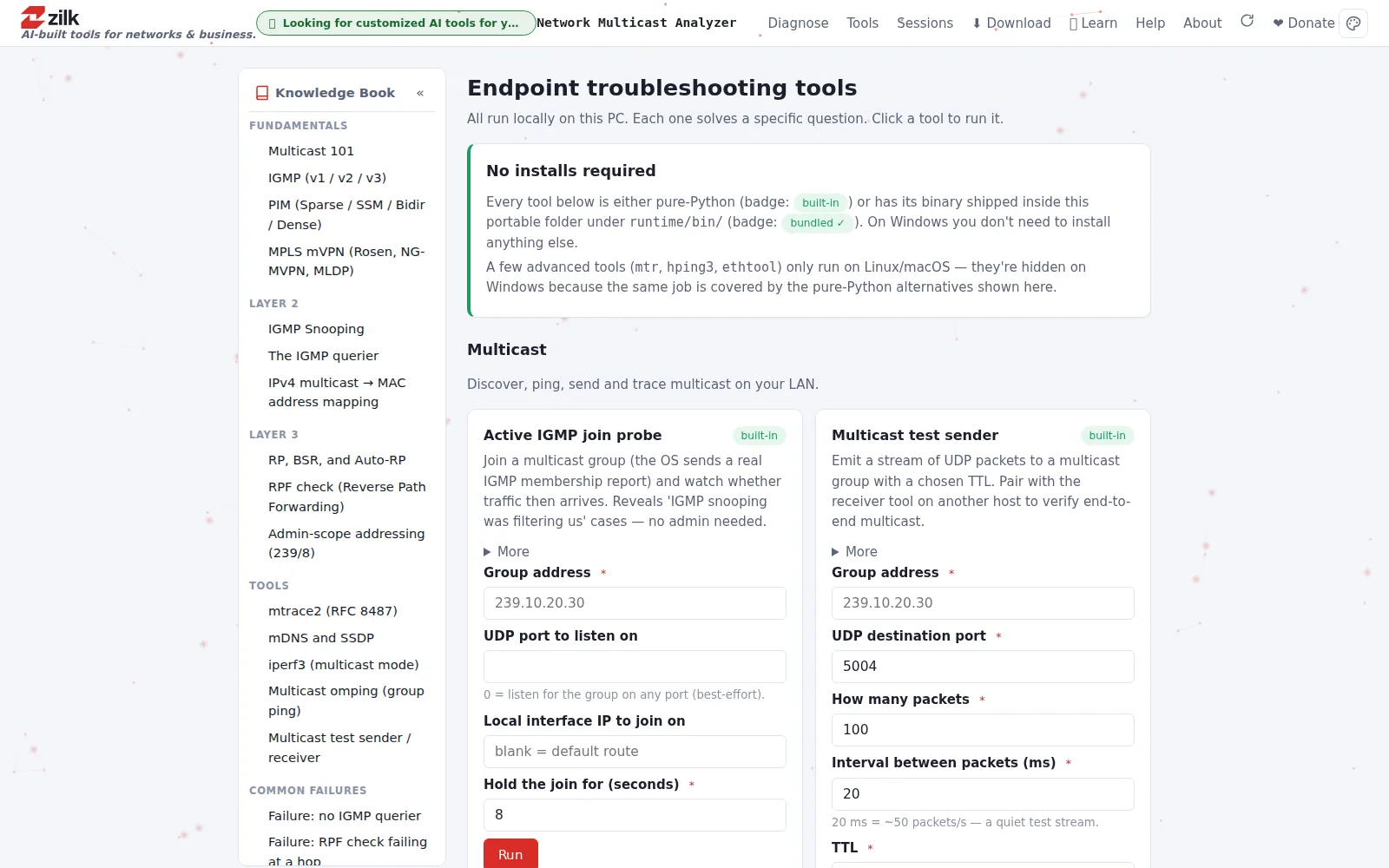
03 · Tools
A toolbox that ships with its own binaries
IGMP join probes, multicast test sender and receiver, mtrace2, mDNS/SSDP, iperf3 in multicast mode — pure Python or bundled, nothing to install.
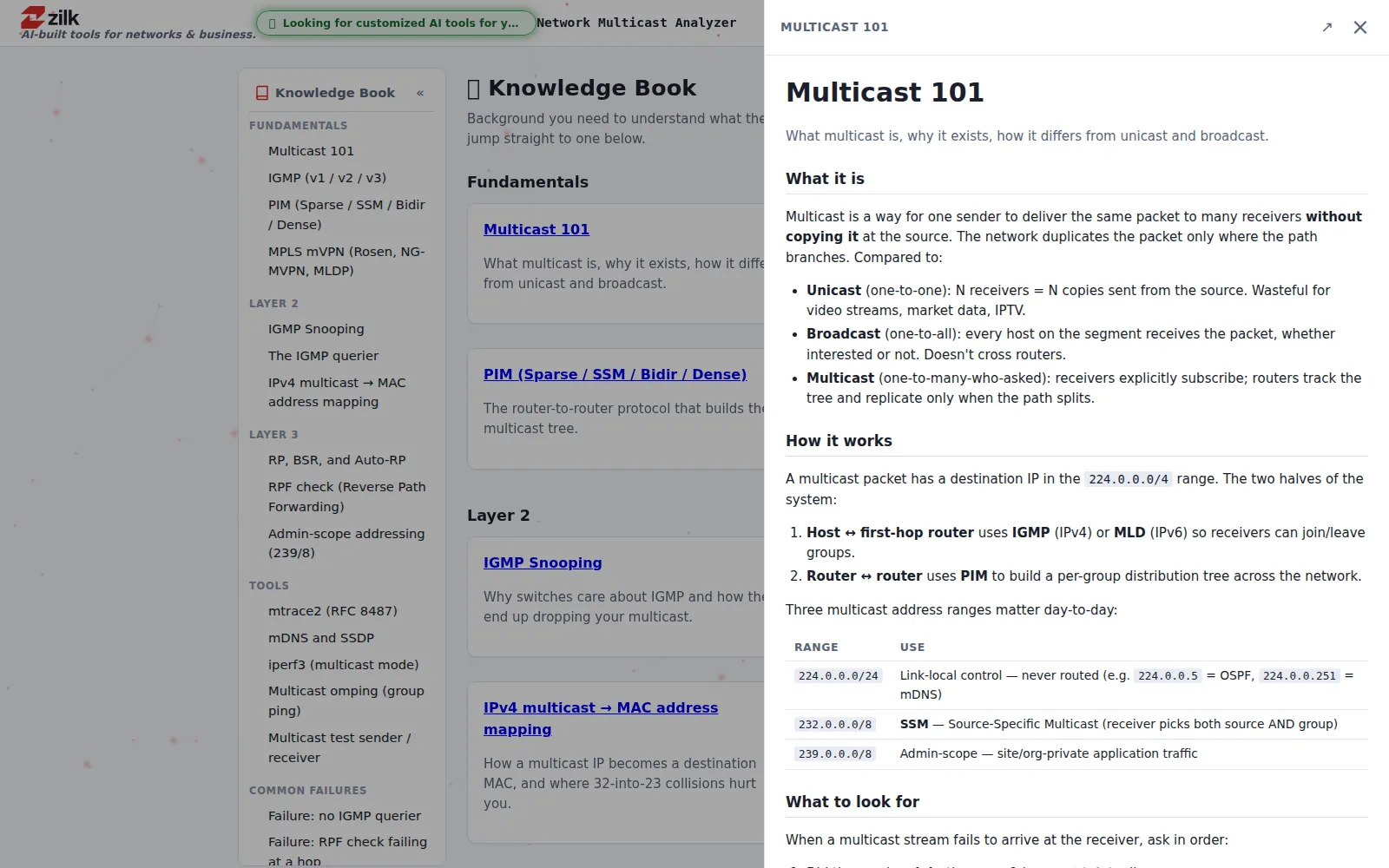
04 · Learn
The knowledge book is built in
IGMP, PIM, snooping, RPF, admin scoping — the fundamentals live right next to the tools, so the team levels up while it troubleshoots.
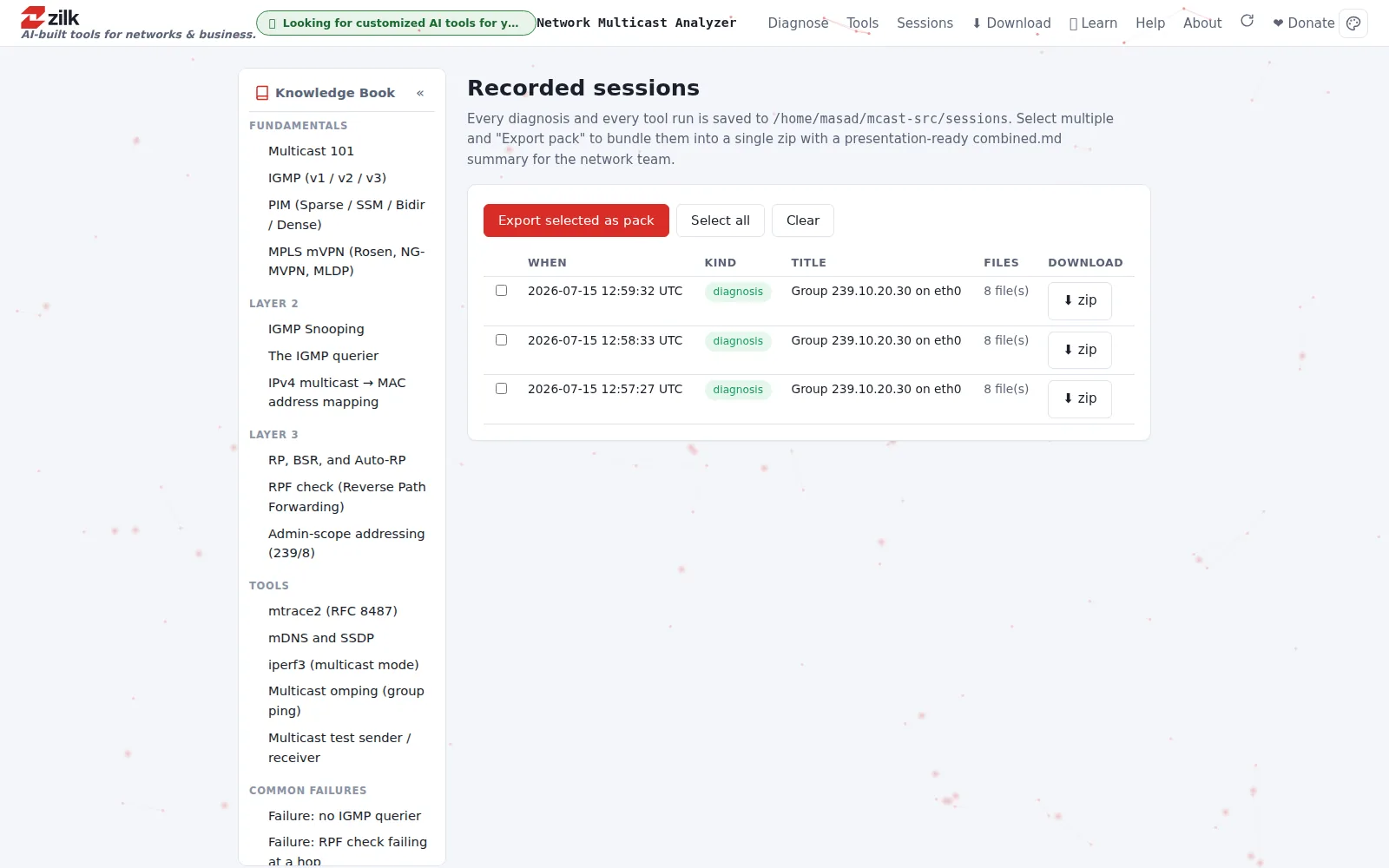
05 · Evidence
Evidence packs, tagged by team
HTML, Markdown, and JSON reports with audit trails, tagged by responsible team — so the right team gets the ticket the first time.
Pricing
Request pricing for Zilk Multicast Analyzer
Tell us a little about your team and what you need — an engineer replies with pricing, typically within one business day.
Put Zilk Multicast Analyzer to work
See it against your own environment, ask the hard questions, and get a straight answer on fit.